
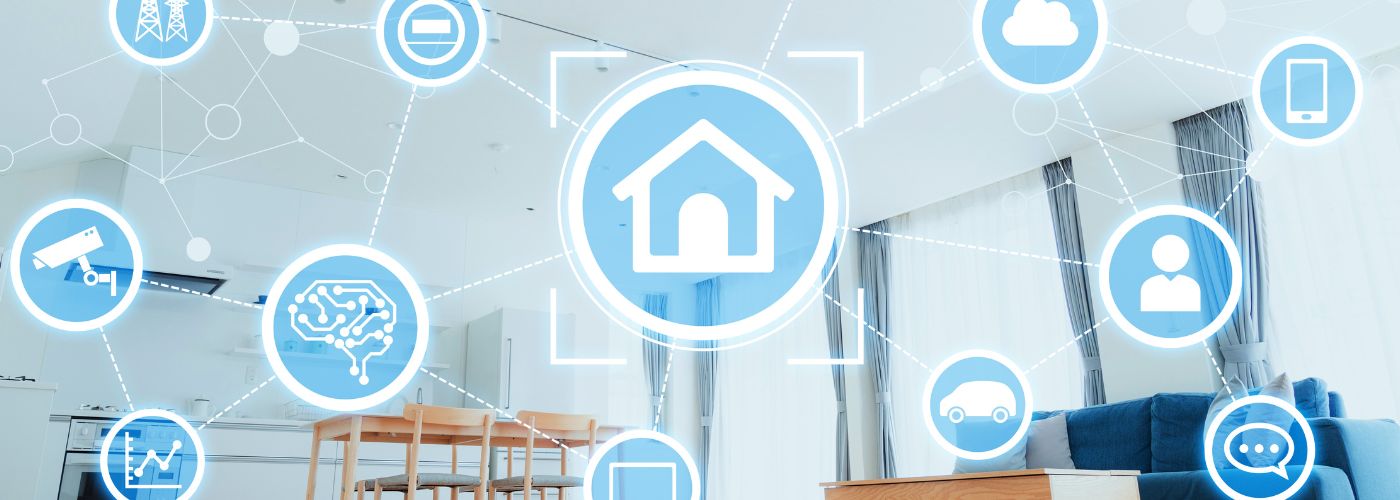
Smart homes make life easier by connecting lights, locks, cameras, and appliances to the internet. While this technology offers comfort and convenience, it also creates new risks if it is not protected properly.
This article goes over the issues and explains practical steps you can take to strengthen your home automation cyber security.
Why Increase Home Automation Cyber Security?
Improving home automation cyber security is not just about protecting gadgets; it is about protecting your privacy, finances, and personal safety. Smart devices collect and share data every day, from security camera footage to voice assistant recordings.
If hackers gain access to these systems, they may spy on your household, steal personal information, or even control devices like smart locks and thermostats. When smart devices are left unprotected, they can become easy entry points for cybercriminals.
Another reason to take action is that many smart homes connect multiple devices to one network. If one device is weak, it can put the entire system at risk. For example, a compromised smart light bulb could give an attacker access to your Wi-Fi network and other connected equipment.
Taking steps to secure your smart home reduces the chances of a small vulnerability turning into a major security problem. By being proactive, you create a safer digital environment for everyone in your household.
Keep Firmware and Software Updated
One of the easiest ways to improve home automation cyber security is to keep all device firmware and apps up to date. Manufacturers often release updates to fix security flaws, improve performance, and patch known vulnerabilities.

If you ignore these updates, your devices may continue running outdated software that hackers already know how to exploit. Regular updates close security gaps that attackers depend on.
Set your devices to update automatically whenever possible. If automatic updates are not available, make it a habit to check for updates at least once a month.
This includes smart thermostats, cameras, doorbells, voice assistants, and even your router. By staying current with updates, you make it much harder for cybercriminals to break into your smart home system.
Limit Device Permissions to Essential Functions Only
Many smart devices request access to more data and features than they truly need. Limiting these permissions is an important step in protecting home automation cyber security.
For example, a smart light app may ask for access to your contacts or location when it is not required for basic operation.
Granting unnecessary permissions increases the amount of personal data that could be exposed if the app is compromised. Only allow devices and apps to access the information that is absolutely necessary for them to function.
Review app settings and device permissions through your smartphone or tablet. Disable features such as remote access, voice recording storage, or data sharing if you do not actively use them.
This reduces the amount of sensitive information stored in the system. By minimizing permissions, you limit the damage that could occur if a device is hacked.
Enable Two-Factor Authentication Where Available
Passwords alone are no longer enough to protect smart home accounts. Enabling two-factor authentication (2FA) greatly improves home automation cyber security by adding an extra layer of protection.

With 2FA, you must enter a second code sent to your phone or email in addition to your password. This means that even if someone steals your password, they still cannot log in without the second verification step.
Two-factor authentication makes it significantly harder for attackers to access your smart home accounts.
Many smart home platforms and apps now offer 2FA as an option in their security settings. Take a few minutes to turn this feature on for your main accounts, including your router login and any cloud-based smart home services.
While it may add one extra step during login, the added security is well worth the small inconvenience.
Secure Home Networks With Advanced Router Settings
Your router is the central hub of your smart home, so protecting it is essential for strong home automation cyber security. Start by changing the default username and password that come with the router.
Default credentials are widely known and easy for hackers to guess. A secure router setup is the foundation of a protected smart home network.
You can also improve security by enabling network encryption, such as WPA3 or at least WPA2. Create a separate guest network for visitors and connect smart home devices to a dedicated network if your router supports it.
This keeps your personal computers and sensitive files separate from smart gadgets. Disabling features like remote management and Universal Plug and Play (UPnP) can further reduce risk.
These steps make it more difficult for outsiders to break into your home network.
Monitor Device Activity for Unusual Behavior
Regular monitoring plays a key role in maintaining home automation cyber security. Smart devices should behave in predictable ways, such as turning lights on and off or sending alerts at set times.
If you notice unusual behavior, like cameras activating without reason or devices responding slowly, it could be a sign of unauthorized access. Unusual activity should never be ignored, as it may signal a security breach.
Many routers and smart home hubs offer activity logs that show which devices are connected and when they access the network. Review these logs occasionally to spot unfamiliar devices or unexpected login attempts.
If you find something suspicious, change your passwords immediately and consider resetting the affected device. Staying alert helps you catch problems early before they grow into larger threats.