
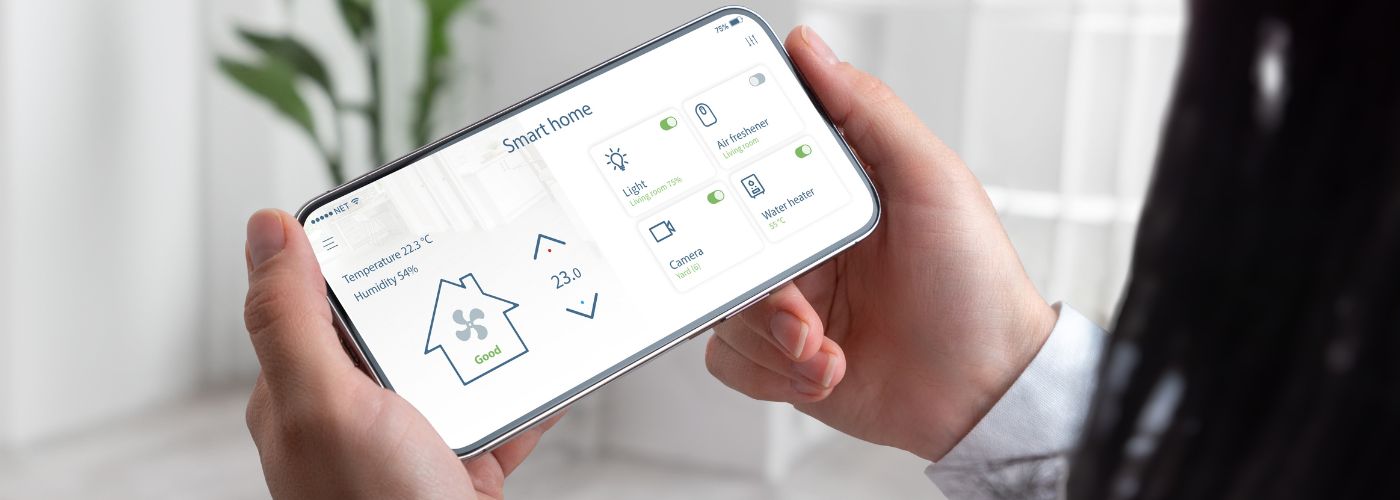
Smart home devices can make it easier to watch over a property, control access, and stay aware of unusual activity. However, the technology only works well when it is installed, managed, and maintained correctly.
This article goes over common security issues homeowners should avoid when using connected devices around the home.
Smart Home Security Mistakes To Avoid
Adding cameras, smart locks, sensors, and alarms can improve the way homeowners monitor their property, but simply owning these devices does not guarantee better protection.
A common smart home security mistake is assuming that every device will work effectively as soon as it is installed.
Placement, settings, passwords, network security, and routine maintenance can all affect how dependable a smart security system is over time.
Homeowners should occasionally review how their security devices work together instead of treating each product as a separate upgrade.
Check which entrances are monitored, which devices send alerts, who has access to connected accounts, and whether important equipment is still functioning correctly.
A smart security system is more useful when every part has a clear purpose and homeowners know how to respond when an alert or problem occurs. Regular reviews can also reveal gaps that were not obvious during the original installation.
Leave Cameras With Poor Coverage Areas
Security cameras need to show useful parts of the property rather than simply being pointed toward a general outdoor area.
One smart home security mistake is placing cameras where walls, trees, rooflines, parked vehicles, or other objects block important views.
A camera may appear to cover an entrance during installation but still miss someone approaching from a different direction.
Homeowners should think about the path a visitor would take before reaching a door, window, garage, or gate.
Camera placement should provide enough visibility to understand where someone came from and what they did near the property.
Front entrances and driveways are important, but side yards, backyard gates, garage doors, and other less visible areas may also need coverage depending on the layout of the home.
Useful camera coverage depends on clear viewing angles, reliable recording, and enough visibility to understand what is happening around the property.
Homeowners should review recorded footage during both daytime and nighttime conditions. Changing sunlight, outdoor lighting, landscaping growth, and seasonal conditions can affect visibility, making occasional camera adjustments necessary.
Relying Only on Smart Technology Without Physical Security
Smart devices provide useful information and convenient controls, but they should not replace basic physical protection. Cameras can record activity and sensors can send alerts, yet neither one makes a weak door frame stronger.
A smart home security mistake is spending heavily on connected technology while ignoring damaged locks, loose hinges, weak windows, or exterior doors that no longer close correctly.
Physical security and smart automation technology work best when they support each other rather than when one is expected to replace the other.
A smart lock, for example, should be installed on a solid door with dependable hinges and a properly secured frame.
Window sensors can provide alerts when something opens, but the windows themselves should still have working locks and frames that are in good condition.
Homeowners can inspect the physical parts of their property while reviewing their smart security equipment.
Check exterior doors for movement around the frame, test window locks, inspect sliding doors, and make sure garage access points close securely.
Smart devices can then add monitoring, notifications, and remote controls on top of those physical barriers, creating a more complete approach to home protection.
Using Weak or Reused Passwords
Connected security products often require online accounts to control devices, view recordings, receive alerts, or change settings. Using a simple password for those accounts can create an unnecessary security risk.
Another smart home security mistake is reusing a password that is already connected to email, shopping, social media, or other online services. If that password becomes exposed somewhere else, additional accounts could also be at risk.

Each important smart home account should have a unique password that is difficult for another person to guess. Longer passwords or passphrases are generally easier to make unique without relying on simple patterns.
Homeowners should also avoid using information such as names, addresses, birthdays, or predictable number combinations. A password manager can make it easier to create and store different credentials without having to remember every one.
Multi-factor authentication should also be enabled when the device manufacturer or service provides it. This adds another verification step when someone attempts to access an account.
Protecting the account behind a security device is just as important as choosing the right settings on the device itself. Homeowners should also remove old users from shared accounts when those people no longer need access.
Forgetting to Update Smart Device Software
Smart cameras, locks, doorbells, sensors, hubs, and other connected products use software to operate. Manufacturers may release updates to correct problems, improve performance, add features, or address security concerns.
A smart home security mistake is installing a device and then never checking whether its software or firmware needs to be updated.
Keeping connected devices updated helps ensure that homeowners are using the latest fixes and security improvements provided by the manufacturer.
Some products can install updates automatically, while others require the owner to approve an update through an app. Homeowners should review the settings for each device and determine whether automatic updates are available and appropriate.
Older devices deserve additional attention because manufacturers do not support every product forever.
If a security device no longer receives updates, homeowners should check whether the manufacturer still provides technical or security support for that model.
Replacing unsupported equipment may eventually make more sense than continuing to depend on technology that no longer receives important fixes.
Ignoring Wi-Fi Network Security Settings
Many smart security devices depend on the home’s Wi-Fi network to communicate with apps, cloud services, and other connected products. That makes the router an important part of the overall security setup.
One smart home security mistake is connecting cameras, doorbells, sensors, and other devices to Wi-Fi without reviewing the network’s basic security settings.
Homeowners should change default router login credentials and use a strong Wi-Fi password that is not shared unnecessarily. The router’s software should also be kept current when updates are available.
If the router supports modern security options, homeowners can review the manufacturer’s recommended settings and make sure older or unnecessary features are not reducing network protection.
A guest network can also be useful when visitors need internet access. Instead of giving every guest the password for the main network, a separate connection can limit unnecessary access to the network used by personal computers and connected devices.
Some modern routers also provide separate options specifically designed for smart home or Internet of Things devices.
Homeowners should periodically review the list of devices connected to their network and remove or investigate anything they do not recognize.
Replacing an outdated router may also be worth considering when it no longer receives security updates or cannot support current network protection standards.
A secure home network creates a stronger foundation for every connected camera, lock, sensor, and security device that depends on it.