Managing security becomes more complicated when a business operates from several offices, stores, warehouses, or other properties. Owners and managers need a way to protect each location while keeping security information organized and easy to access.
This article goes over security systems for multi location businesses and the different technologies that can help protect employees, property, equipment, and other important assets.
Top Security Systems for Multi-Location Businesses
Choosing security systems for multi location businesses requires more planning than protecting a single property. Every building may have a different layout, number of employees, operating schedule, and level of public access.
A retail store may need strong camera coverage around entrances and checkout areas, while a warehouse may need more attention around loading areas, inventory spaces, and restricted rooms.
A connected approach can make these differences easier to manage. Instead of treating each property as a separate security setup, businesses can use systems that provide access to key information through centralized controls.
A well-planned security setup should protect each property while keeping the entire system manageable as the company adds locations or changes operations.
Companies can also tailor security to each property’s needs, including surveillance, access management, alerts, and other connected technology.
Access Control Systems for Managing Employee Entry
Access control is an important part of security systems for multi location businesses because companies need to know who is allowed into specific areas.
Traditional keys can become difficult to manage when many employees work at several properties. Keys can be copied, lost, or kept by former employees, which may require changing locks when you need to remove access.
Electronic access control provides businesses with another way to manage entry. Employees can use badges, mobile credentials, keyless systems, or other approved methods to enter designated areas.
Permissions can be based on an employee’s role, work location, or schedule. For example, an employee who works at one store may receive access only to that property, while a regional manager may need access to several locations.
Individual access permissions give businesses more control over who can enter sensitive areas without depending on the same physical keys for everyone.
Entry records can also help management review when authorized users accessed controlled doors. This can be useful for offices, inventory rooms, equipment areas, warehouses, and other spaces where only certain people should have access.
Video Surveillance Systems for Multiple Business Locations
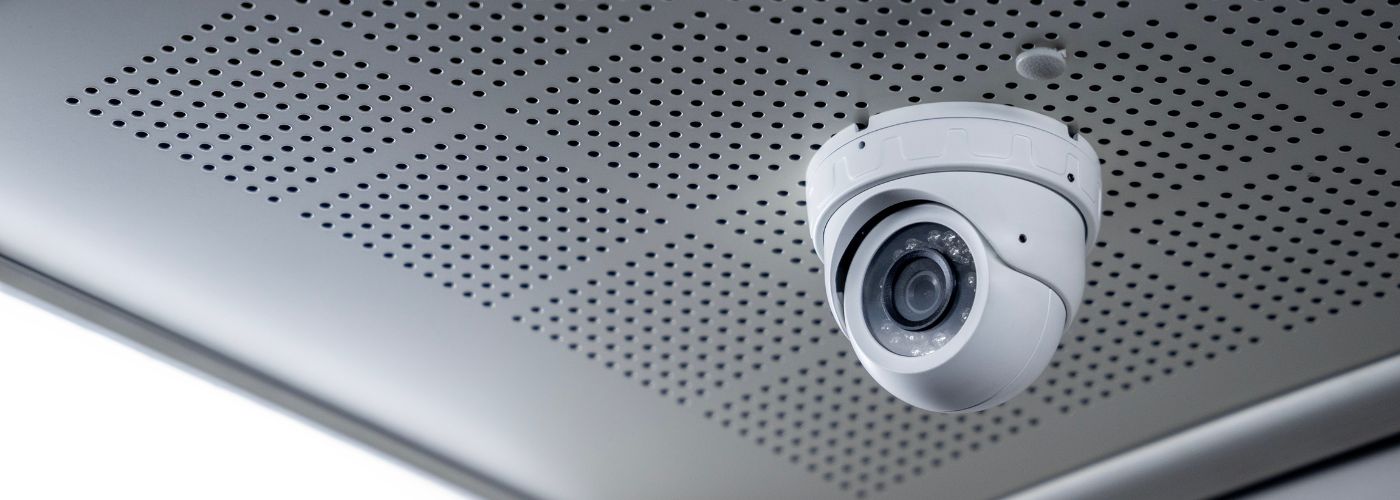
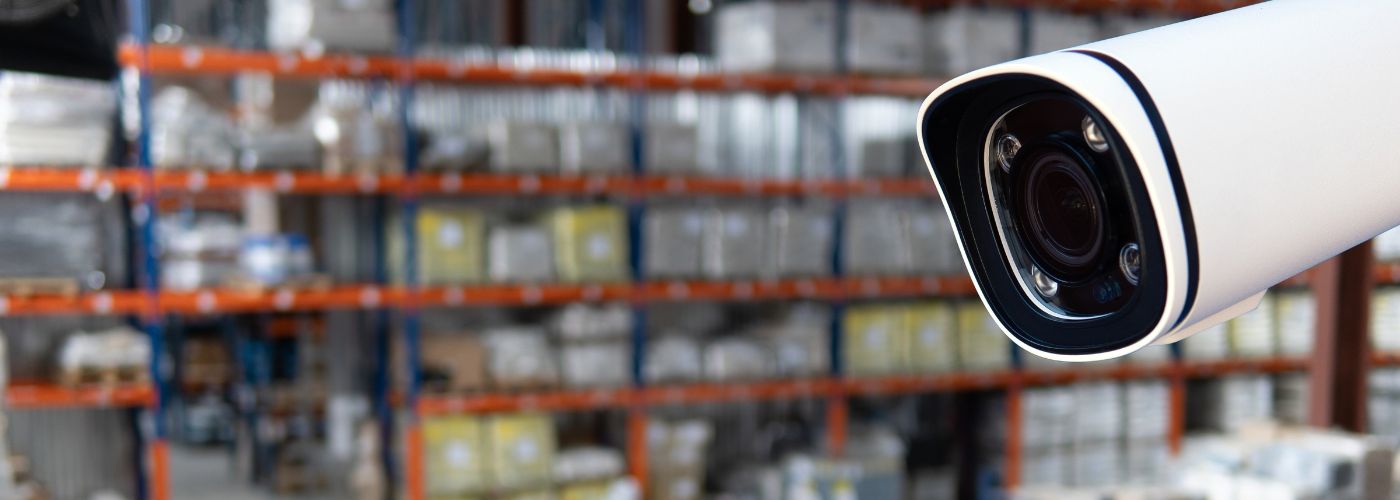
Video surveillance gives managers a visual way to check activity across different properties. When selecting security systems for multi location operations, cameras can be positioned around entrances, exits, parking areas, sales floors, storage spaces, loading areas, and other important parts of each building.
The exact camera layout should match each location’s design and security needs rather than using the same placement everywhere.
Managers who need to keep an eye on different areas of a property can use live feeds, recorded footage, remote access, and other monitoring features. This can make it easier for authorized managers to check a property without being physically present.
Businesses with several locations can organize camera coverage so that individual sites remain easy to identify and review when an incident or concern needs attention.
During planning, consider video quality, camera placement, lighting, network reliability, and footage storage. Businesses should also decide how long recordings need to remain available and who should have permission to view them.
Businesses can store security footage in several ways, including local, cloud, and hybrid approaches. Clear footage is most useful when businesses can locate and review the recordings they need without sorting through a poorly organized collection of cameras and files.
Remote Monitoring Systems for Centralized Security Management
Remote monitoring can simplify security systems for multi location businesses by allowing authorized users to review connected properties without traveling to each one.
A manager may need to check whether an alarm has been activated, review an access point, check a camera, or confirm a building’s status after closing. Centralized access makes these tasks easier when properties span a city or region.

Centralized management can reduce the need to treat every property as a separate security environment. A properly configured platform can organize information from multiple sites and provide managers with access based on their responsibilities.
This can help a company maintain similar security procedures even when individual buildings have different layouts or daily operations.
Remote management can also extend beyond cameras and alarms. Businesses may want to manage connected systems from another location when employees are responsible for more than one property.
Depending on the setup, they can review notifications, adjust schedules, and oversee multiple locations remotely. Permissions remain important because employees should have access only to the controls and locations necessary for their roles.
Keyless Entry Systems for Convenience
Keyless entry can make security systems for multi location properties easier to manage as employees move between offices, stores, or other facilities.
Instead of issuing a collection of physical keys, businesses can assign electronic credentials that work only at approved doors. This is especially useful for companies with employees who regularly work at more than one location.
Access can also be changed when an employee’s responsibilities change. If someone transfers to another property, management can update that person’s permissions rather than collecting old keys and issuing a completely new set.
When an employee leaves the company, management can disable their credential so it no longer provides authorized entry.
Keyless entry gives businesses a more flexible way to adjust building access as employees, schedules, and locations change.
Businesses can also create different access levels for managers, employees, maintenance teams, vendors, and other approved users.
Businesses should establish clear procedures for issuing credentials, removing permissions, reviewing access records, and responding when a credential or device is lost.
Motion Detection Systems for After Hours Security
Motion detection adds another layer to security systems for multi location businesses during periods when buildings have limited activity.
Sensors can be placed in selected areas to detect movement after a property has closed or when a restricted area should be empty. Depending on the system, detected activity can trigger an alarm, notification, camera recording, or another programmed security response.
Motion detection works best when it matches how each building is actually used. A warehouse operating overnight will have different requirements than an office that empties every evening.
Position and configure sensors with normal employee movement, cleaning schedules, deliveries, building layouts, and other routine activity in mind. This can help the system respond appropriately without treating expected movement as unusual activity.
Businesses can also coordinate motion detection with surveillance cameras so that video is available when activity needs to be reviewed. It is also important to consider the differences between wired and wireless cameras when deciding how cameras will connect throughout each property.
When managers plan cameras, sensors, access controls, and monitoring tools as connected parts of the same system, they can get a clearer picture of what is happening at each location.
The most effective after-hours setup matches each property’s normal activity and makes unusual events easier for authorized personnel to identify.
As a company expands, the system should also accommodate additional sensors, cameras, access points, and locations without requiring the entire security setup to be rebuilt.
This gives a multi-location business a more practical foundation for maintaining consistent security as its operations grow.