
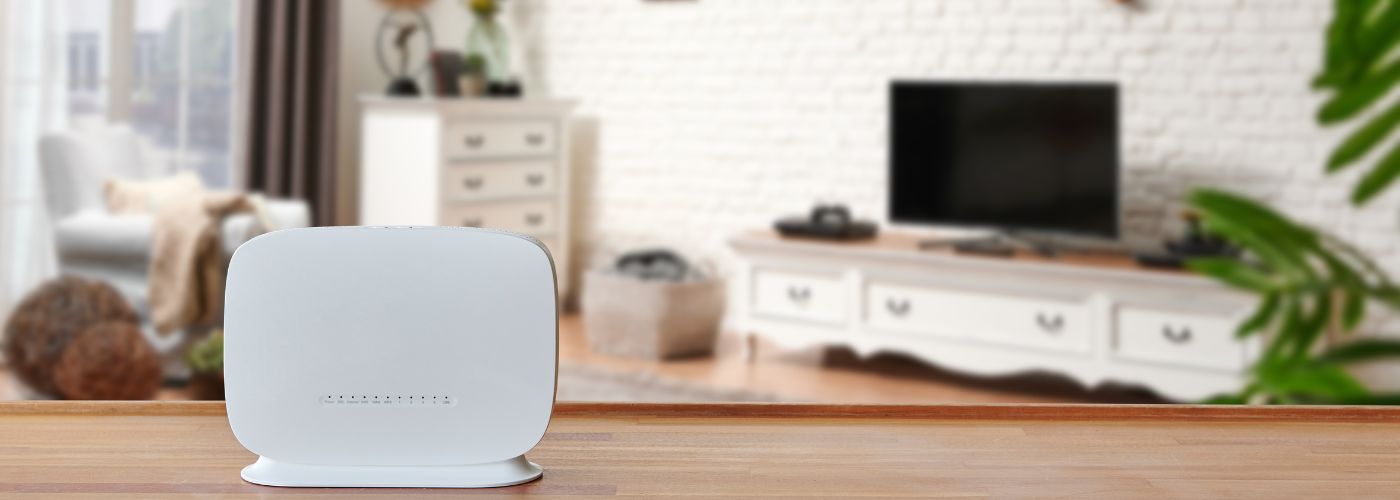
A strong wireless connection matters when lights, cameras, thermostats, speakers, and other connected devices rely on your home network. Weak coverage can cause slow responses, dropped connections, and devices that work only sometimes.
This article goes over the best ways to eliminate a WiFi dead zone and create more reliable coverage throughout a smart home.
How To Get Rid of WiFi Dead Zones In Your Home
A WiFi dead zone is an area of the home where the wireless signal becomes too weak for devices to maintain a reliable connection. These areas may appear in upstairs bedrooms, garages, patios, home theaters, or rooms located far from the router.
In a smart home, weak coverage can affect much more than phones and laptops because cameras, locks, speakers, lighting controls, and other connected equipment may also depend on the network.
Solving the problem starts with understanding how wireless signals move through the property.
The size and shape of the house, building materials, router placement, connected devices, and nearby wireless networks can all affect coverage.
A professionally planned WiFi automation system can account for these factors when providing coverage across different areas of a home.
Plan a reliable smart home network around the entire property instead of expecting one router to provide a strong signal everywhere.
Move Your Router to a More Central Location
Router placement is one of the first things to check when dealing with a WiFi dead zone. A router placed at one end of the house must send its signal much farther to reach rooms on the opposite side.
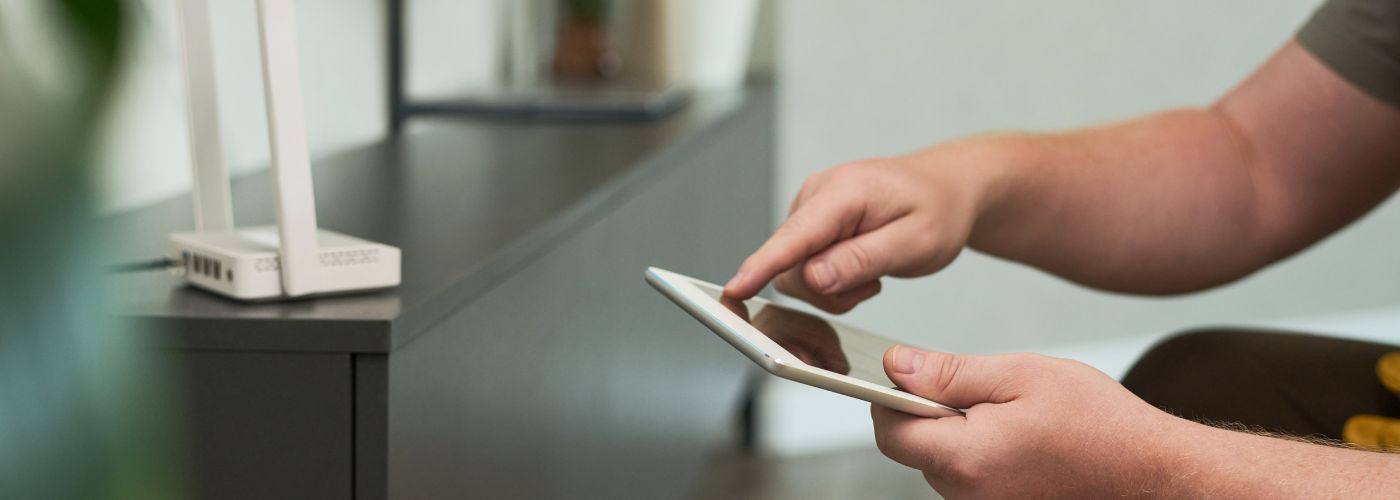
The same problem can happen when the router is hidden in a basement, utility room, cabinet, or other isolated location. Moving it closer to the center of the home can give the wireless signal a more balanced path to surrounding rooms.
An open, central router location can improve coverage without additional wireless equipment. Whenever possible, place the router above floor level and away from locations that unnecessarily block the signal.
Homeowners should also consider where their most important connected devices are located. The goal isn’t to put the router in the exact center of the building, but to position it where it can serve the areas that rely most heavily on wireless connectivity.
Add a Mesh WiFi System for Wider Coverage
A larger property may still have a WiFi dead zone even when the main router is positioned correctly. Mesh WiFi can help by using multiple units placed throughout the home instead of depending on one wireless source.
These units work together to extend coverage into rooms that would otherwise receive a weak signal. This approach can be especially useful in multi-story houses and homes with long floor plans.
Placement still matters when setting up a mesh network. A mesh unit needs a reliable connection to the rest of the system, so placing one directly inside an area with almost no signal may not provide the expected improvement.
Arrange the units so coverage extends gradually through the property. As explained in information about home automation setup mistakes, network planning is an important part of creating a dependable connected home.
A mesh system works best when each unit fits into a complete coverage plan rather than being placed wherever the signal feels weak.
Connect High-Demand Smart Devices With Ethernet
Not every connected device needs to use wireless networking. If a television, streaming system, desktop computer, security equipment, or another stationary device is close to an Ethernet connection, a wired connection can reduce the traffic competing for WiFi.
This can help improve performance around a WiFi dead zone because fewer high-demand devices rely on the same wireless network.
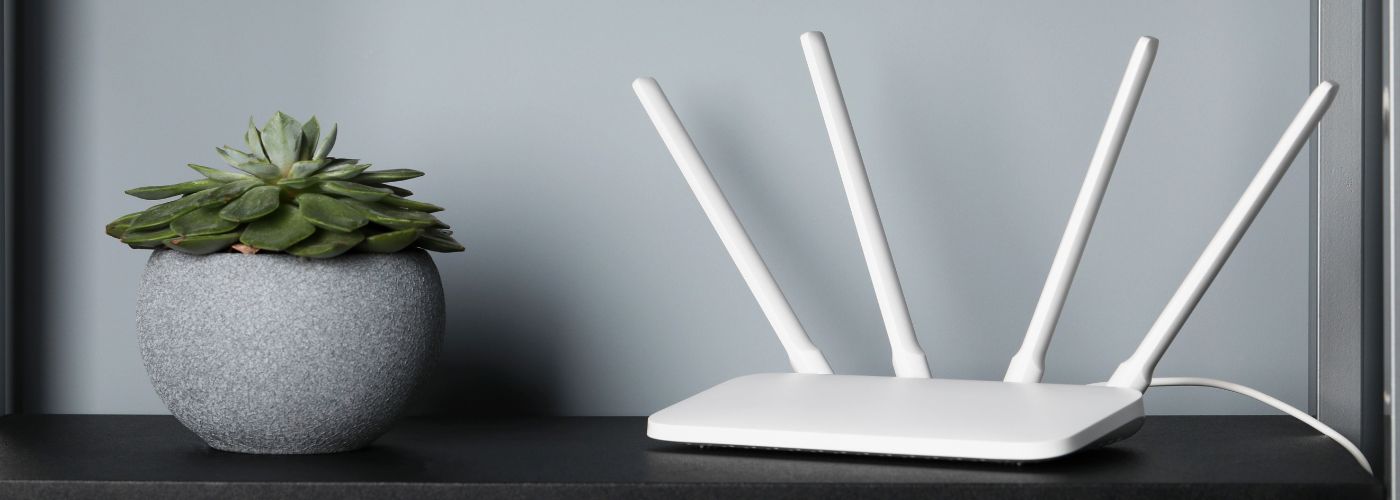
Ethernet also provides a direct network connection for equipment that does not need to move around the house. The differences between wired and wireless cameras show how some connected devices can operate through a physical network connection rather than relying entirely on WiFi.
Using wired connections for suitable stationary equipment keeps wireless capacity available for phones, tablets, portable devices, and smart products that require WiFi.
This does not mean every smart device needs an Ethernet cable. Many products are specifically designed to communicate wirelessly, and running new cables to every location may not be practical. Instead, homeowners can use a combination of wired and wireless networking.
Devices with high or consistent network demands can use Ethernet where appropriate, while other equipment can continue using the home’s wireless coverage.
Reduce Physical Obstacles Around Your Router
Walls and household materials can weaken a wireless signal as it travels through the home. A WiFi dead zone may therefore be caused by more than distance from the router.
Thick walls, multiple floors, large furniture, metal surfaces, appliances, and enclosed cabinets can make it harder for a signal to reach another part of the property. Moving either the router or nearby obstacles may improve the connection in some situations.
Keeping network equipment in an open area gives the wireless signal a clearer path into the surrounding rooms.
Hiding a router inside a cabinet may improve a room’s appearance, but the enclosure can work against the network coverage the home needs.
The same issue can occur when network equipment is installed behind large objects or in a crowded utility area.
Homeowners should also remember that a modern smart home may have many devices communicating at the same time.
Cameras, televisions, speakers, phones, tablets, computers, thermostats, and automation equipment can all place different demands on the network. Good physical placement works best when paired with proper network configuration and sensible device management.
Following basic home network security practices is also important when so many connected products share the same property.
Use WiFi Access Points in Problem Areas
Dedicated wireless access points can provide another solution when a specific part of the property remains a WiFi dead zone. An access point creates wireless coverage from a strategically selected location and is typically connected back to the network through wired infrastructure.
Rather than pushing one router’s signal through an entire large home, multiple access points can provide coverage closer to where people and devices actually need it.
Access points can help in large houses, multi-floor homes, detached spaces, entertainment rooms, outdoor living areas, and areas separated by signal-blocking materials.
The number and location of access points should depend on the home’s layout, not on installing as many as possible. Too little coverage creates weak areas, while poorly planned equipment placement can introduce unnecessary overlap and interference.
The goal of access point placement is to create consistent coverage so connected devices can communicate reliably as people move through different parts of the home.
This becomes especially important for equipment such as connected security devices that need dependable network access. Professional smart security systems, for example, can include network optimization and device pairing as part of the overall setup.
When you design the wireless network around the property and its connected equipment, smart home devices have a stronger foundation for reliable everyday operation.