
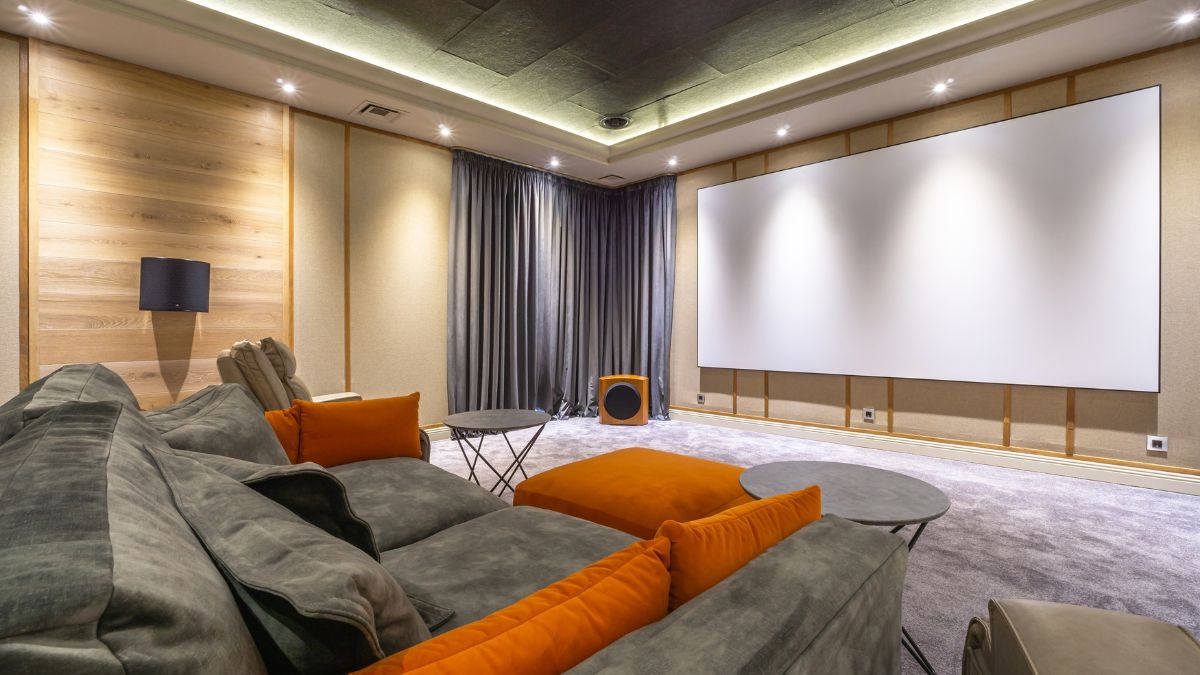
A home theater should provide clear dialogue, balanced music, and detailed sound that makes movies and shows more enjoyable.
When the audio sounds muffled, uneven, distorted, or too quiet, several parts of the system may be responsible, and this article goes over common causes of sound quality problems in home theaters.
Causes of Poor Sound Quality in Home Theaters
There are many possible reasons for poor sound quality in home theater systems, and the problem is not always caused by the speakers themselves.
The room, equipment settings, cables, speaker locations, and condition of individual components can all change how the audio sounds.
Even high-quality equipment may perform poorly when the system is not installed or adjusted correctly.
Finding the source of the problem usually requires looking at the entire audio setup instead of replacing one component immediately.
A speaker may sound weak because of its position, for example, while unclear dialogue could be related to receiver settings or room acoustics.
Checking each part of the home theater audio system separately can make it easier to identify what is actually affecting the sound.
Poor Room Acoustics Can Distort Sound
The room itself has a major effect on how home theater audio reaches the listener. Sound waves travel away from the speakers and interact with walls, ceilings, floors, furniture, windows, and other surfaces.
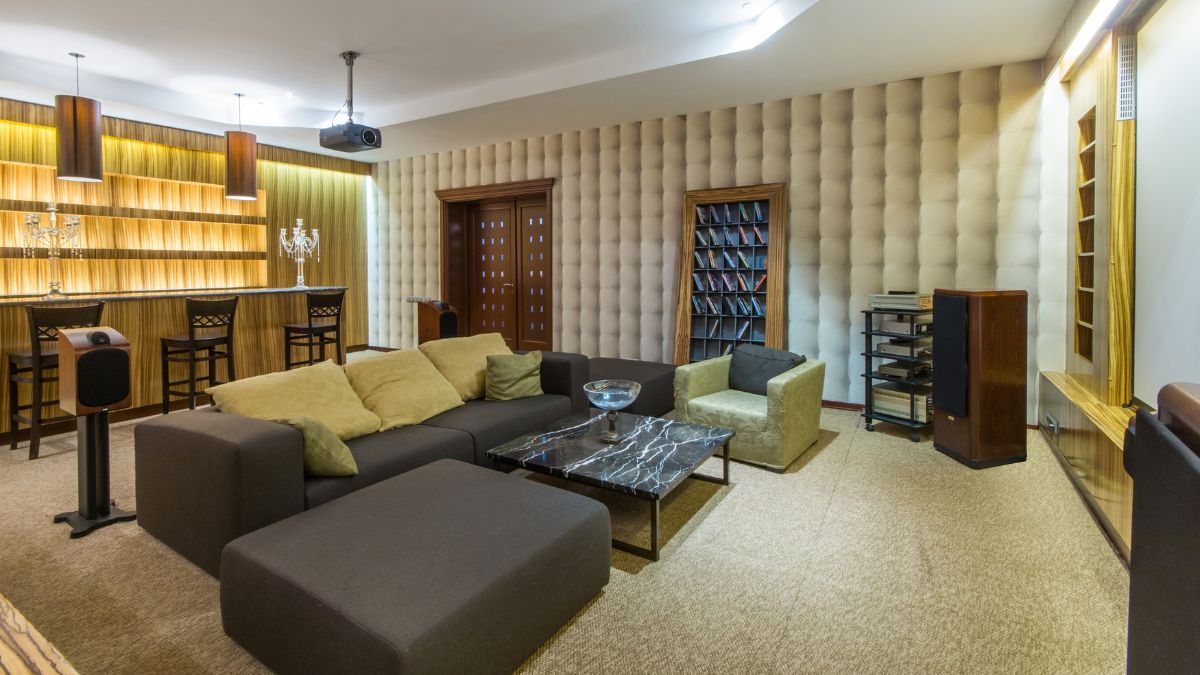
Hard surfaces can reflect a large amount of sound, while softer materials can absorb some of those reflections.
Too many reflections may contribute to poor sound quality in home theater setups by making dialogue and other audio details less clear.
A room with bare floors, large windows, and hard walls may sound different from one containing rugs, curtains, upholstered furniture, and other softer materials. The size and shape of the room can also influence how certain frequencies behave.
Good room acoustics help listeners hear the sound coming from the speakers without excessive reflections interfering with important details.
Acoustic treatment may be used in certain rooms to control reflections, echoes, and other unwanted sound behavior.
The goal is not necessarily to remove every reflection, but to create a more controlled listening environment where sound remains balanced throughout the seating area.
Audio Cables Causing Sound Problems
Audio cables carry signals between receivers, amplifiers, speakers, subwoofers, televisions, and other equipment. If a cable is damaged, loose, poorly connected, or installed in the wrong input or output, the system may develop noticeable audio problems.
Depending on the connection, listeners might experience intermittent sound, buzzing, crackling, missing audio channels, or complete signal loss.
When troubleshooting poor sound quality in home theater equipment, it is useful to inspect cable connections at both ends. A cable may look connected while still being loose enough to interrupt the signal.
Speaker wire should also have secure contact at the appropriate terminals, and exposed wire strands should not create unwanted contact with nearby terminals.
Damage can sometimes occur where cables are bent sharply, pinched behind equipment, pulled during installation, or repeatedly moved.
A secure cable connection helps the audio signal travel between components without unnecessary interruptions or connection problems.
Testing a questionable cable with a known working connection can help determine whether the cable or another component is responsible.
Speaker Placement Creating Uneven Sound
Speaker placement affects where sound appears to come from and how evenly it reaches the listening area. Front speakers, center channels, surround speakers, subwoofers, and overhead speakers each have different roles within a home theater system.
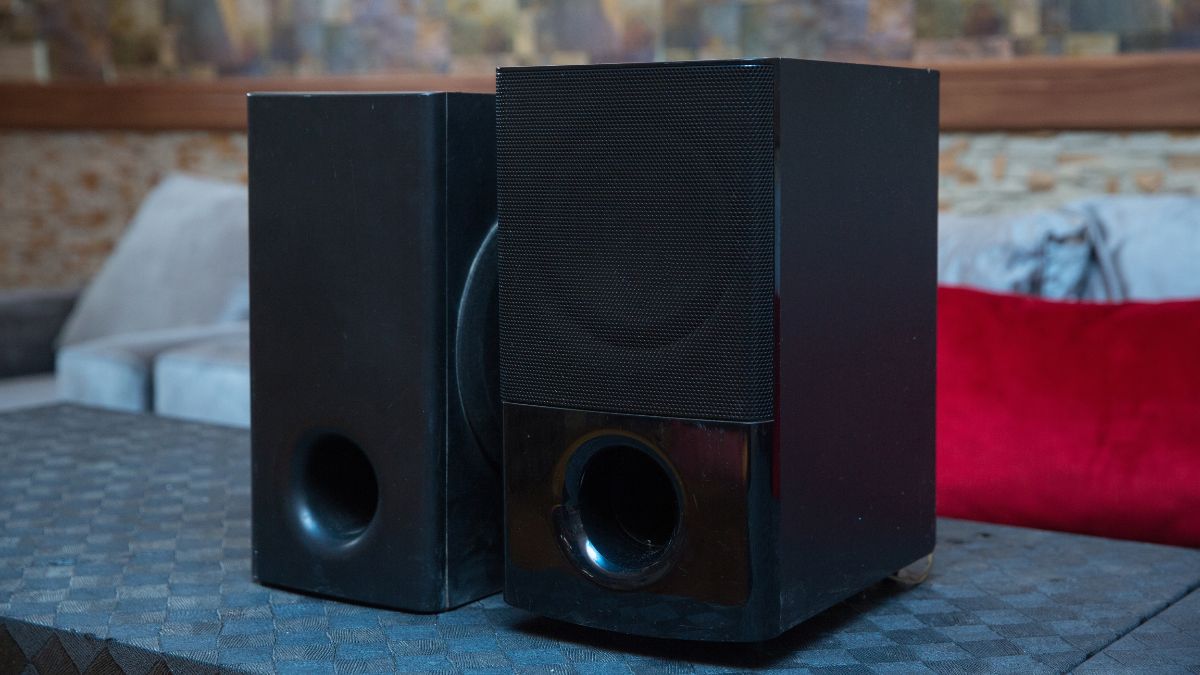
Placing them without considering the seating position can create areas where certain sounds are too loud, too quiet, or difficult to locate.
A common cause of poor sound quality in home theater systems is placing speakers where furniture, walls, cabinets, or other objects interfere with the sound.
A center speaker hidden deep inside a cabinet may make dialogue less clear, while surround speakers positioned incorrectly can reduce the intended effect of directional audio. Speaker height and angle can also affect what listeners hear.
Speakers should work together as one system rather than sound like separate audio sources placed around the room. Proper positioning helps create a more natural transition as sounds move between channels.
The best locations depend on the room layout, speaker design, seating arrangement, and audio format being used, so placement should be planned around the actual listening area.
Worn or Damaged Speakers Affecting Audio Quality
Speakers contain several components that move and vibrate to produce sound. These parts can become damaged from age, excessive volume, physical impact, moisture, electrical problems, or other conditions.
When a speaker begins failing, the change may be obvious, but some problems develop gradually and become more noticeable over time.
Signs of speaker damage can include buzzing, rattling, distortion, weak bass, reduced volume, or sound that becomes rough at certain frequencies.
Poor sound quality in home theater equipment may also affect only one channel, making the overall system feel unbalanced.
Comparing the questionable speaker with other speakers in the system can help determine whether the problem follows one specific component.
A damaged speaker should also be separated from problems involving cables, receiver settings, or the audio source before replacement is considered.
Testing individual speakers can help prevent a working component from being replaced when the real problem is somewhere else in the system.
If the same distortion continues after connections and settings have been checked, the speaker itself may require closer inspection.
Receiver Settings Are Not Properly Adjusted
A home theater receiver controls many parts of the audio system, including speaker levels, channel assignments, crossover settings, listening modes, distance adjustments, and other sound options.
Incorrect settings can cause otherwise functional speakers to sound unbalanced. A center channel may be too quiet, a subwoofer may receive the wrong frequencies, or surround speakers may not operate as expected.
Some receivers include automatic room calibration systems that use a microphone to measure speaker distances and levels.
These features can provide a useful starting point, but the resulting settings should still be checked to make sure they match the equipment and room.
Manual adjustments may also be needed when speakers are changed, moved, or added to the system.
Receiver settings need to match the speaker layout and equipment being used for the system to reproduce audio correctly.
Selecting an incorrect speaker configuration or sound mode can contribute to poor sound quality in home theater systems even when every physical component is working properly.
It is also important to consider the audio format coming from the television, streaming device, disc player, or other source.
Different content may use stereo, surround sound, or other audio formats, and the receiver needs to process that signal appropriately.
Checking the receiver configuration along with the source device settings can help identify problems that are caused by configuration rather than damaged equipment.